
How modern software teams are working with AI agents
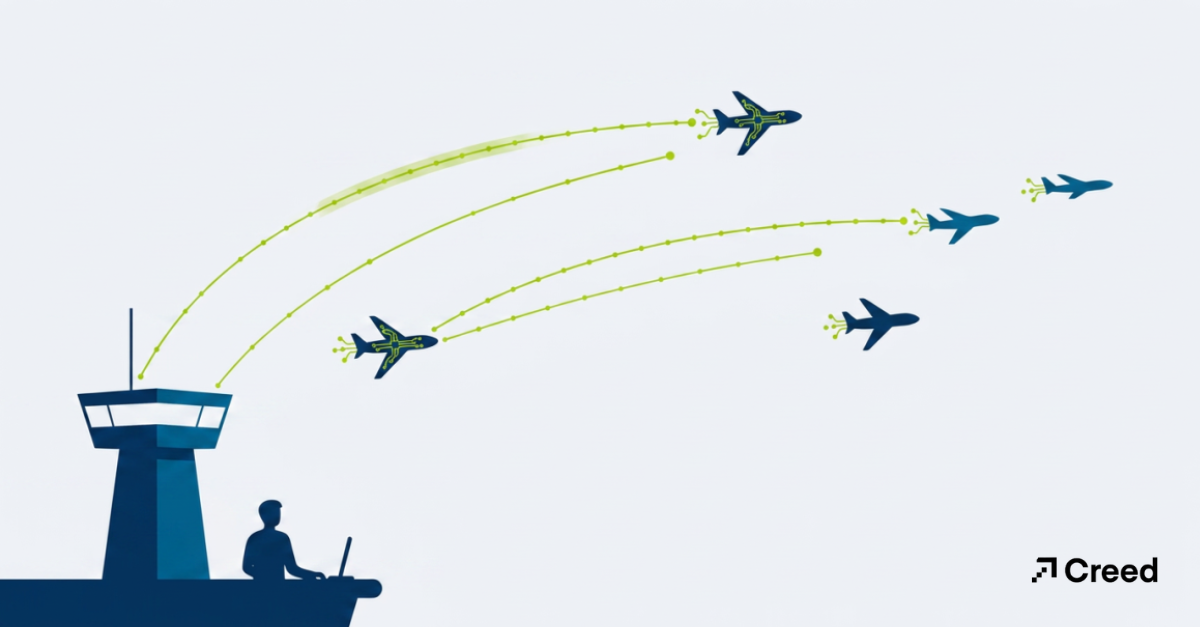
A few months ago I caught myself doing something that, even a year earlier, would have sounded like science fiction. I was on my phone, in line for coffee, replying to a Slack thread where someone on the team had flagged a small bug in one of our portals. I tagged our coding agent, described the fix in a sentence, and put my phone away. By the time I sat down, there was a pull request waiting with a branch created, tests passing, a clean diff for me to read. I reviewed it, left one comment, and merged it. The whole thing took less time than the espresso.
I tell that story not because it’s flashy, but because it captures a shift that’s easy to miss if you’re only watching the headlines. The conversation about AI in software has mostly been about autocomplete, a faster way to write the next line of code. That’s real, and it matters. But it undersells what’s actually happening. The more interesting change is that agents are starting to handle whole steps of the software development lifecycle, not just keystrokes. Planning, ticketing, implementation, review prep, status reporting. Each of these is becoming something you can hand off and supervise rather than do by hand.
We’ve spent the last stretch rebuilding how our own team works around this idea. Not chasing novelty, but asking a pragmatic question on every part of our process: does a human need to do this, or does a human need to decide on this? Those are very different questions, and the gap between them is where agent-driven development lives.
From AI-assisted to agent-driven
It helps to be precise about terms, because “AI coding” now means three pretty different things.
AI-assisted development is the autocomplete model: a developer is in the driver’s seat and the model suggests the next move. An AI agent coding workflow goes a step further in that you hand the agent a goal, and it plans the steps, edits multiple files, runs the tests, and comes back with a result. Agent-driven development is the organizational version of that: agents are wired into the tools your team already uses, so work flows through them as a normal part of the process rather than a side experiment in someone’s editor.
The distinction matters because the failure modes are different. With assisted coding, the risk is a bad suggestion you might accept on autopilot. With agent-driven work, the risk is in process such as an agent doing the wrong thing efficiently, at scale, with no one watching. That’s why the most important design decisions we’ve made aren’t about which model to use. They’re about where the humans must be involved.
Planning: Where good automation actually starts
The instinct when you get a powerful coding agent is to point it straight at code. We learned quickly that the highest-leverage place to start is one step earlier, at planning. An agent that writes code from a vague ticket produces confident, well-tested solutions to the wrong problem. The constraint was never typing speed, it was clarity.
So the front of our process now runs through guided planning skills inside Cowork, the same kind of structured, repeatable prompts we use to turn a rough idea into a real specification. A /write-spec pass takes a one-line feature request and walks it into a proper brief: the problem, the goals and non-goals, the edge cases, the acceptance criteria. A /roadmap-update pass then weighs that work against everything else in flight and helps us decide what actually moves. The output isn’t code. It’s a shared, written understanding of what we’re building and why. Which, conveniently, is exactly what a coding agent needs to do good work downstream.
The unglamorous truth is that this is the same discipline good teams have always practiced. The difference is that the agent makes the discipline cheap. Writing a thorough spec used to be a tax you paid grudgingly; now it’s a few minutes of guided conversation, and the payoff compounds at every later stage.
Orchestration: Giving the workflow a backbone
Once you have more than one agent doing more than one thing, you need a way to compose them, i.e. to define what hands off to what, where the guardrails sit, and how you measure whether any of it is working. This is the gap that OpenAI’s AgentKit is built to close. Its Agent Builder gives you a visual canvas for wiring multi-agent workflows together with versioning, preview runs, and inline evaluation, and its Connector Registry centralizes how those agents reach data and tools. The part I appreciate most as a technologist is the boring part: versioning and evals. Being able to see how a workflow changed, and to grade whether a change made it better or worse, is what separates a reliable system from a clever demo.
We treat orchestration as plumbing, not magic. The goal isn’t a single all-knowing agent; it’s a set of narrow, well-defined agents connected by an explicit workflow, with guardrails that flag or block the things we don’t want them doing. When something goes wrong — and it will — we want to be able to point at the exact node, not shrug at a black box.
Implementation: Handing real tickets to a coding agent
The part of our process that still surprises people is implementation. For work that has been approved for, we use Cyrus, a Claude Code–powered agent that lives inside our existing development tools. The flow is almost mundane once you’re used to it: a well-specified issue lands in Linear, gets assigned to the agent, and Cyrus spins up an isolated Git worktree, works the ticket, and opens a pull request on GitHub. This is all without anyone babysitting a terminal. A Slack thread can become a Linear issue, which becomes a reviewed PR and a deploy preview, orchestrated in the background.
What makes this work in practice isn’t raw capability, it’s the boundaries around it. The agent runs in isolated environments, authenticates through proper OAuth, and operates on tickets that are already well-specified, because we did the planning work up front. The teams getting the most out of this approach aren’t the ones who hand an agent a vague wish; they’re the ones who hand it a crisp ticket and a clean place to work. Our experience matches what we hear across the industry: on well-scoped tickets, the first pass is often most of the way there. The remaining distance is a review conversation, not a rewrite.
Review: The human stays exactly here
Here is the line we don’t cross, on purpose: no agent-written code reaches production without a human approving the pull request. This isn’t nostalgia or caution for its own sake. It’s the single highest-value place for human judgment to sit in the entire workflow.
A pull request is a beautiful checkpoint. It’s small enough to actually read, it isolates one change, and it forces a yes-or-no decision backed by a visible diff and a passing test suite. When the rote work of producing the change is automated, the reviewer’s attention is freed up for the things that genuinely need a person: does this match the intent of the spec, does it fit the architecture, does it create a security or data-integrity risk a test wouldn’t catch, is this the right solution and not just a working one? I find I’m a sharper reviewer now than I was when I was also the author, because I’m not emotionally attached to code I just spent two hours writing.
There’s a cultural point here too. Keeping humans on the approval gate is what lets a team trust the rest of the automation. People will happily delegate the typing once they know nothing ships without a colleague’s sign-off. Take that gate away and the whole thing starts to feel reckless, rightly so.
MCP: The connective tissue that makes it one system
None of these pieces would amount to much if they couldn’t talk to each other. The reason planning skills, orchestration, coding agents, and review can behave like a single pipeline instead of four disconnected tools is a shared protocol underneath: the Model Context Protocol, or MCP. It’s the standard that lets an agent securely reach into Linear, GitHub, Slack, and the rest of the stack through consistent, governed connections rather than a tangle of brittle one-off integrations.
This is the same lesson we preach to clients about their business systems, just pointed at our own development process: the value isn’t in any single tool, it’s in the connections between them. An agent that can read the ticket, see the codebase, open the PR, and post the status update is useful precisely because those systems share context. Disconnect them and you’re back to a human copying information between tabs, which is exactly the friction agents are supposed to remove. MCP is what turns a pile of capable tools into a workflow that feels like one coordinated system.
It’s also where the governance lives. Connected through a defined protocol, you can reason about what an agent is allowed to touch, log what it did, and revoke access cleanly. “Move fast” and “know exactly what your agents can reach” are not opposites. The connective layer is what lets you have both.
What this looks like on a normal Tuesday
Put together, the loop is quietly powerful. An idea gets shaped into a spec through a guided planning skill. It’s prioritized against the roadmap and lands as an issue in Linear. A coding agent picks it up, works it in an isolated environment, and opens a pull request. A human reviews that PR, approves it, and merges it, which feeds the next cycle. Meanwhile, scheduled tasks handle the recurring connective work that used to eat mornings: standup summaries, metric pulls, status digests, all generated and posted before anyone logs on.
I won’t pretend it’s frictionless. Agents still produce confidently wrong answers. They need clear specs, good tests, and tight boundaries, and they reward teams that already had healthy engineering habits while punishing teams that didn’t. Automation doesn’t replace discipline. In fact, it amplifies whatever discipline you already have, in both directions. If your tickets are vague and your tests are thin, agents will help you ship the wrong thing faster. That’s worth saying plainly.
“Automation doesn’t replace discipline. In fact, it amplifies whatever discipline you already have, in both directions.”
Final thoughts: Automate the work, keep the judgment
The reframe I keep coming back to is the one I mentioned at the start: separate the question of who does the work from who decides on it. Agents are remarkably good at doing (the drafting, the scaffolding, the wiring, the first pass). Humans are still irreplaceable at the deciding (what’s worth building, whether a solution is actually right, and what risk we’re willing to accept). The teams that thrive over the next few years won’t be the ones who automate the most. They’ll be the ones who are clearest about which of those two jobs they’re handing off.
We didn’t arrive here by adopting a tool. We arrived by redesigning our process around that distinction, one stage at a time, and keeping a human on every decision that mattered. The result is a team that ships faster and, honestly, enjoys the work more, because the time we used to spend on mechanical effort now goes to the parts that actually require us.
If your team is experimenting with AI in development and trying to figure out where the humans should stand, that’s exactly the kind of problem we like to work through. Reach out and we’ll help you map what an agent-driven workflow could look like for your team and where to keep your hands firmly on the wheel.